
Key takeaway
An FDA-style label should be reviewed as a structured information panel tied to current recipe, serving, and packaging statement details rather than as a standalone design block.
Understand the label as a structured panel, not just a design block
For teams learning how to read a nutrition label during packaging review, an FDA-style Nutrition Facts label should be treated as a structured information panel. Small food teams often focus on making it fit the package, but the more important step is making sure the panel sections, serving information, and nutrient values are reviewed in the right order.
That means the label should be treated as a content and compliance review surface, not only as packaging artwork.
- Serving information should be stable before final review
- Core nutrient values should match the source data
- Supporting statements should be reviewed near the panel
How to read a Nutrition Facts label during review
A practical review usually starts with the title area, serving information, calories, major nutrients, percent Daily Value fields, and any optional or special-case entries that apply to the product.
Even if the panel looks visually correct, the wrong serving count or ingredient context can still create downstream problems during packaging review.
- Title and serving details
- Calories and major nutrient rows
- Optional nutrients and display-specific sections
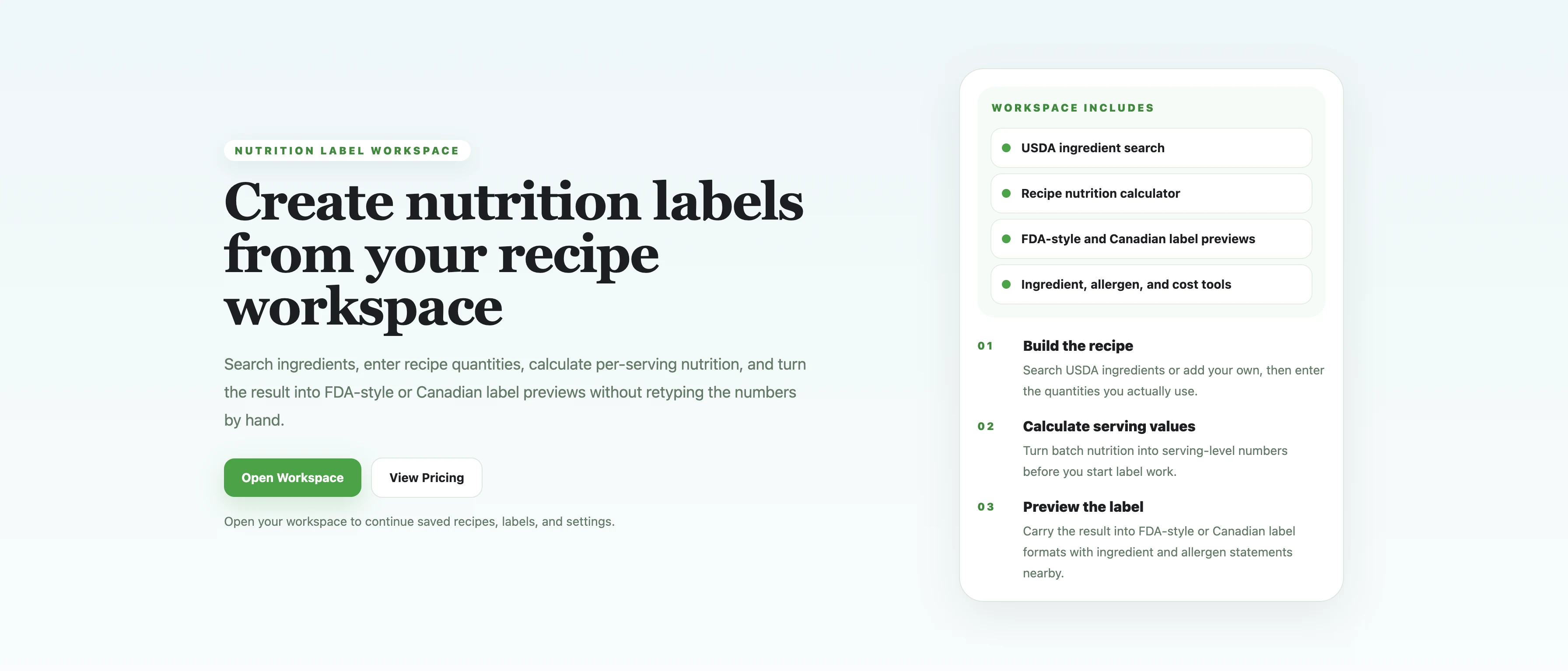
Context view
This higher-level view explains the product context around the label workflow and helps the article read less like an isolated screenshot dump.
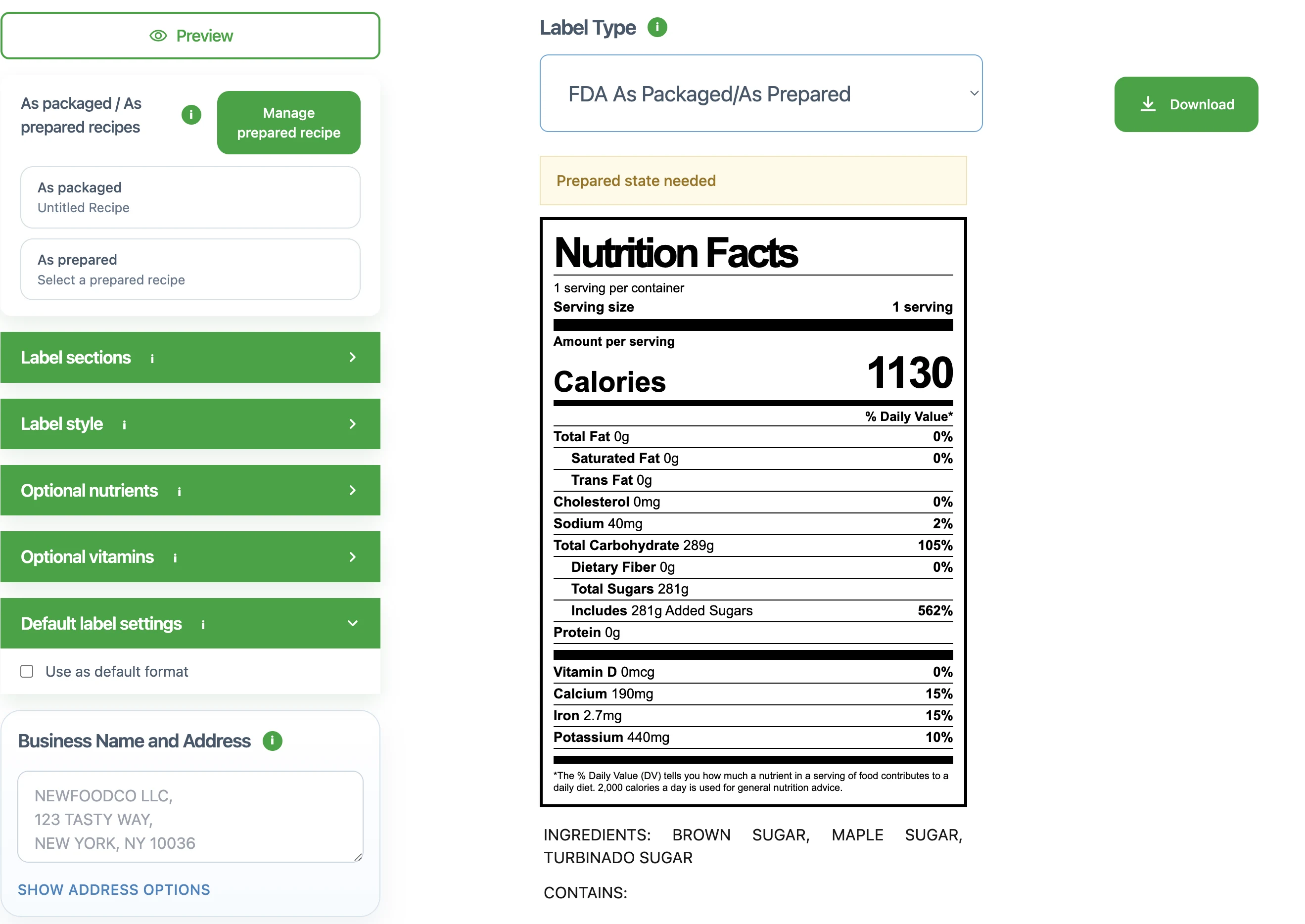
Focused crop: review controls
This crop isolates the requirement-setting surface: label type and prepared-state handling are part of the review context, not just optional UI details.
Focused crop: panel surface
This crop isolates the panel itself so the article can talk about the Nutrition Facts surface without the surrounding workspace noise.
Check the surrounding packaging statements at the same time
The Nutrition Facts panel is only one part of the packaging review. Teams usually also need ingredient statements, allergen statements, facility language, and other packaging details to be reviewed as a group.
Keeping those items close to the panel helps avoid a situation where the nutrition values are updated but the surrounding text is still based on an older recipe draft.
- Compare ingredient statements with the active recipe
- Check allergen wording against current ingredients
- Review any surrounding packaging copy for consistency
Avoid the most common review mistakes
The most common mistakes are not always visual. Many problems come from mismatched recipe versions, outdated serving assumptions, incomplete review of supporting statements, or overconfidence that a polished preview means the work is done.
A better approach is to use the label preview as the final review surface for the current recipe snapshot, then export only after the details around it are stable.
- Do not assume the latest visual preview uses the latest recipe numbers
- Do not review the panel without checking the statement text around it
- Do not treat the tool output as legal or nutrition advice
Common mistakes
- • Assuming a familiar layout automatically means the content is correct
- • Reviewing the panel without checking the surrounding packaging statements
- • Using an outdated recipe snapshot to approve a polished preview
Review checklist
- • Serving information has been checked before visual review begins
- • Calories and major nutrient rows reflect the current source data
- • Optional rows and format-specific sections are reviewed for this product
- • Ingredient, allergen, and related statements are checked together with the panel
FAQ
Does an FDA-style layout guarantee compliance?
No. A familiar layout can help with review, but compliance still depends on the accuracy of the nutrition data and the final packaging details.
How do you read a nutrition label for packaging review?
Start with serving information, then review calories and major nutrient rows, and finally check the supporting packaging statements that must stay aligned with the panel.
What should I review first on the label?
Start with serving information and the source nutrition values, because errors there affect the rest of the panel.
Should ingredient and allergen statements be reviewed separately?
They can be drafted separately, but they should be reviewed together with the label before final export so the packaging details stay consistent.
Related guides
How to Calculate Serving Size for Nutrition Labels
A practical FDA serving-size guide for turning a finished product, its category, and its real measurements into a review-ready label serving.
How to Choose a Nutrition Facts Label Format
A practical guide for comparing Nutrition Facts label formats before a food label moves into packaging review.
How to Calculate Nutrition From a Recipe
A practical guide for turning recipe ingredients, batch yield, and serving logic into per-serving nutrition values that are ready for label review.
How to Make a Nutrition Facts Label
A step-by-step guide for small food brands learning how to make a nutrition label and turn recipe data into a Nutrition Facts label preview.
How to Write an Ingredient Statement
A practical guide for turning the active recipe into a review-ready ingredient statement that stays aligned with the label and surrounding packaging text.
How to Write an Allergen Statement
A practical guide for drafting an allergen statement that stays aligned with the current recipe, ingredient statement, and label review workflow.
Canadian Nutrition Facts Label Guide
A practical guide for reviewing Canadian Nutrition Facts table work alongside ingredient, allergen, and packaging statement details.